A useful starting point
The quick answer
- Extract the complete ZIP.
- Open the website folder and double-click index.html.
- Test important pages, images and documents with your device offline.
Extract the archive on your computer
On Windows, right-click the ZIP in File Explorer and choose “Extract All”. Select a destination and open the extracted folder. On Mac, double-click the ZIP in Finder, then open the resulting folder. Your archive utility may use slightly different labels.
Keep the original ZIP as a reference. Add the date to its filename, such as example-com-2026-09-26.zip. Use a separate working copy if you plan to edit files or organise a selection of documents.
Find the homepage and supporting files
README.txt sits at the archive root. Inside the domain folder, index.html opens the homepage; the other saved HTML pages sit beside it. assets/ contains supporting files, while manifest.json records original addresses, saved paths and issues.
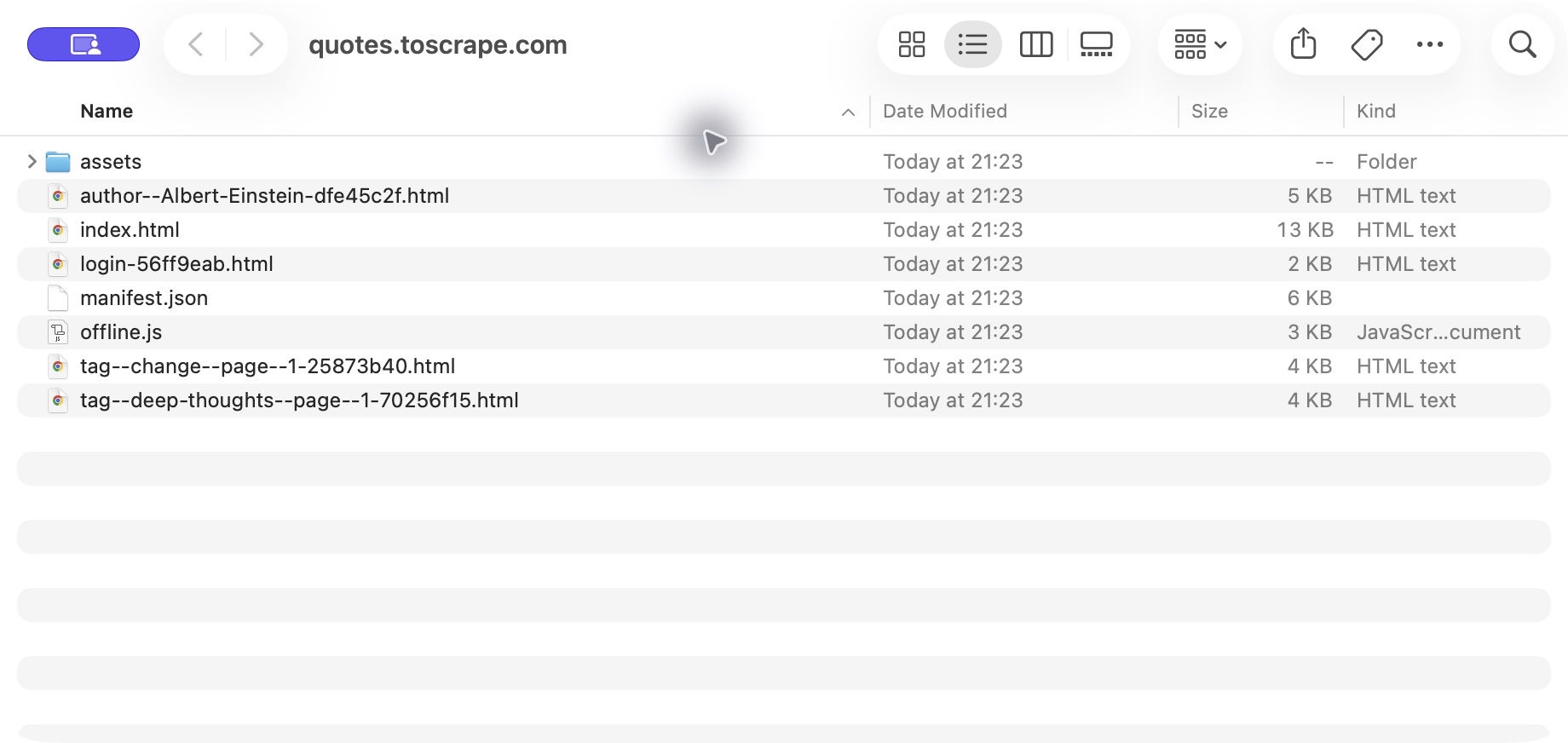
Open index.html in a browser
Double-click index.html or use your browser’s “Open File” command to choose it. If your computer opens an editor, use the file’s “Open With” menu and select a browser. A local file address usually begins with file://.
Start your reading journey from this homepage and follow the saved links. Pages beyond the archive’s scope can still point to the live website. Search, sign-in and form actions belong to the original service.
Run a short offline check
- Open a homepage, a deep page and a page with several images.
- Temporarily disconnect the device and reopen them.
- Follow local menu links and a document link.
- Review README.txt and the issues in manifest.json.
- Use the images and CSS guide if the layout looks different.